Keyboard Shortcuts - Accuracy Check
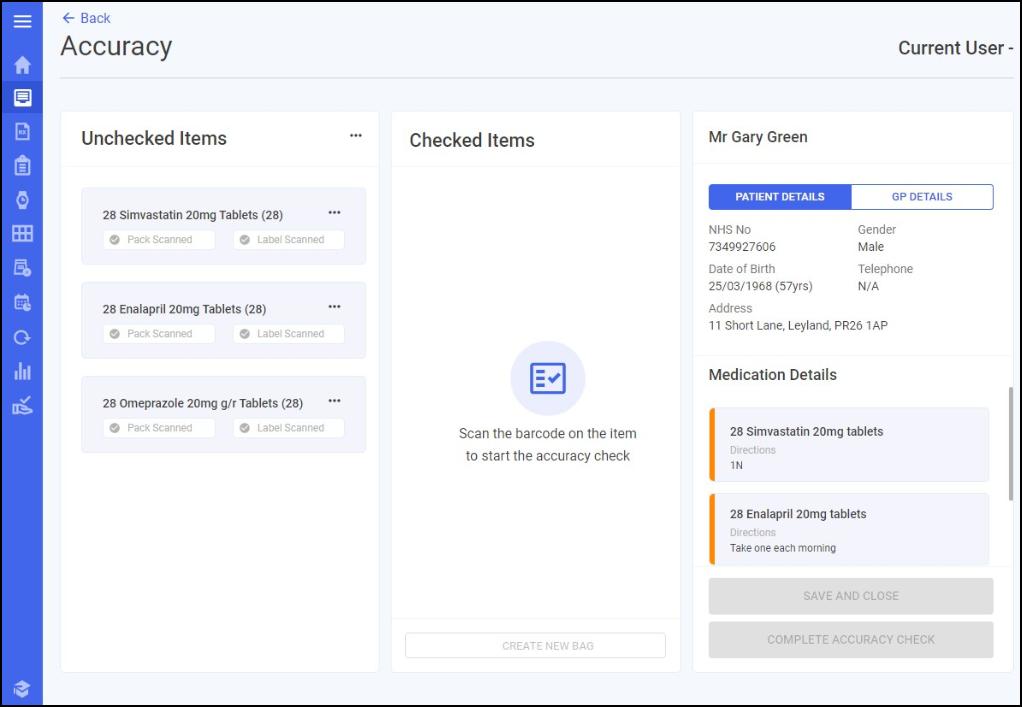
See below for a list of keyboard shortcuts for use on the Accuracy screen:
| F1 | Help |
| Ctrl + Alt + F11 | Manually confirm all |
| Ctrl + A | Confirm approval |
| Ctrl + B | Create a new bag |
| Ctrl + L | Approve later |
| Ctrl + S | Save and Close the accuracy check |
| F12 | Complete the accuracy check |
| Enter | Confirm within Manually Confirm screen |
| Enter | Select OK on the Checking Error screen |
| Enter | Select OK on the Picking Error screen |
Note - To print this topic select Print  in the top right corner and follow the on-screen prompts.
in the top right corner and follow the on-screen prompts.