Accuracy Checking Expiring or Expired Items
When performing an accuracy check, Pharmacy Manager now alerts you if a medication is nearing or has exceeded its expiry date. This feature helps prevent potential errors and ensures patient safety.
Expiring Items
If the expiry date of the medication is in the current or next month, a warning message displays when you scan the item. The message advises you that the medication expires soon.
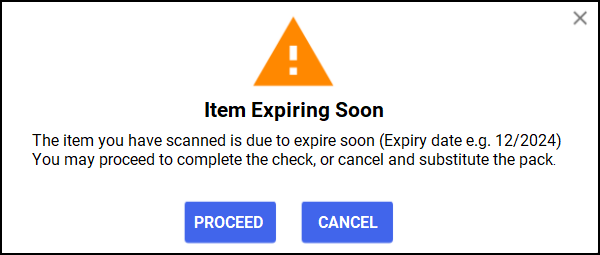
You have two options:
-
Click PROCEED to continue with the accuracy check and scan the label.
-
Click CANCEL to close the message and remove the tick from Pack Scanned on the Accuracy screen. You can then select a different item and continue with the accuracy check.
Expired Items
If the medication's expiry date has already passed, a warning message will display advising you to choose another pack and try again.
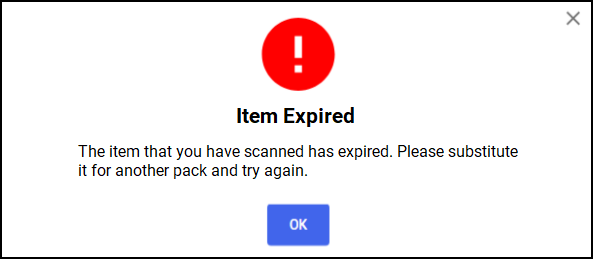
Click OK to close the message. The item on the Accuracy screen remains unticked until you scan an in-date item.
By alerting you to expiring or expired medications, this helps you ensure that only valid medications are dispensed to your patients during the accuracy check process.
 in the top right corner and follow the on-screen prompts.