Signing In
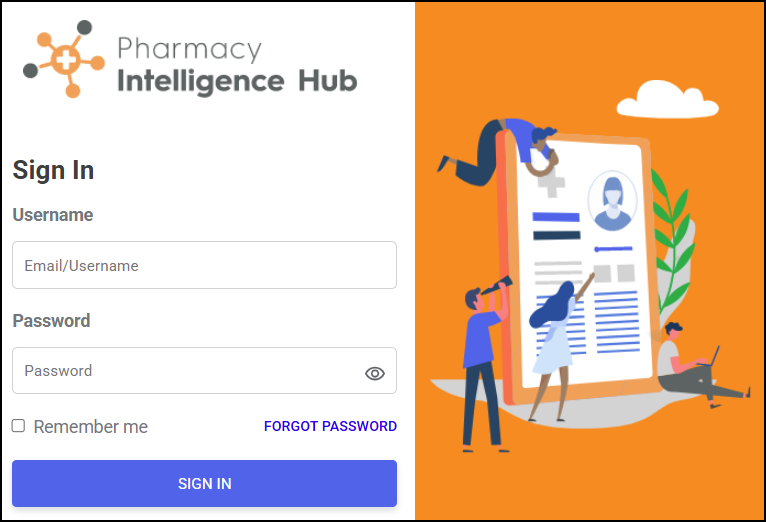
To sign in to the Pharmacy Intelligence Hub:
-
From your Internet browser, enter the Pharmacy Intelligence Hub URL, provided by Cegedim Rx Ltd.
-
The Sign in to your account screen displays, enter the Username and Password, provided by Cegedim Rx Ltd.
Training Tip - Select Remember me if you want Pharmacy Intelligence Hub to remember your Email or Username. -
Select SIGN IN
 .
.The Pharmacy Intelligence Hub Dashboard displays.
Forgot Your Password?
If you forget your password, use the following instructions to create a new password:
-
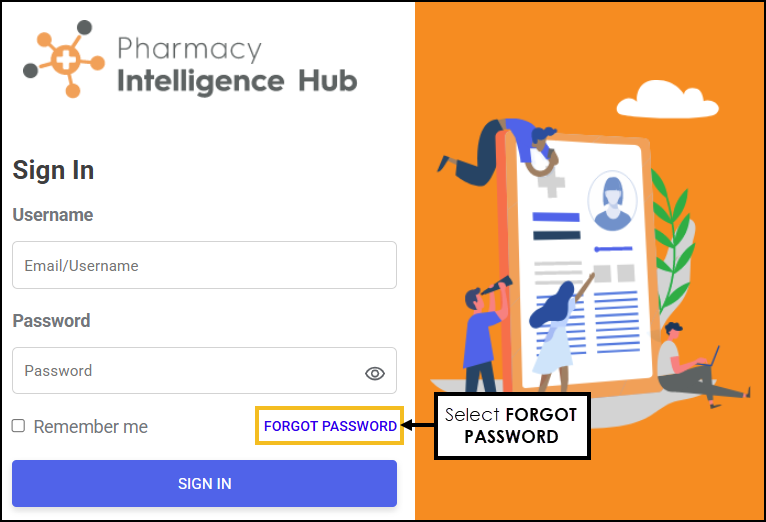
From the Sign in screen, select FORGOT PASSWORD.
-
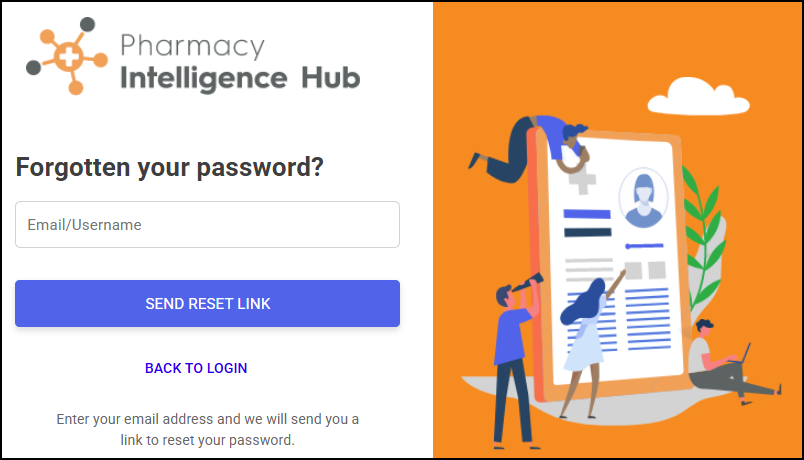
The Forgotten your password? screen displays. Enter your email address, and then select SEND RESET LINK
 .
.
-
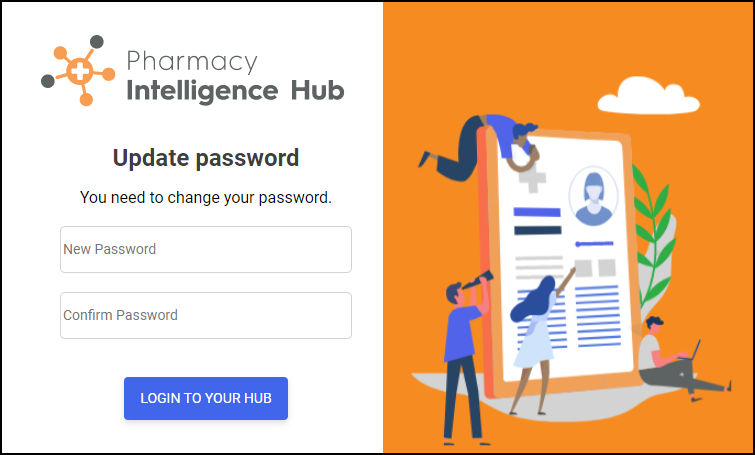
The instructions to reset your password are sent to your email address, select the link to open the Update password screen.
-
Enter a new password and select LOGIN TO YOUR HUB
 .
.
 in the top right corner and follow the on-screen prompts.