Searching for, Sorting or Filtering MMR Call/Recall Services
Searching for MMR Call/Recall Services
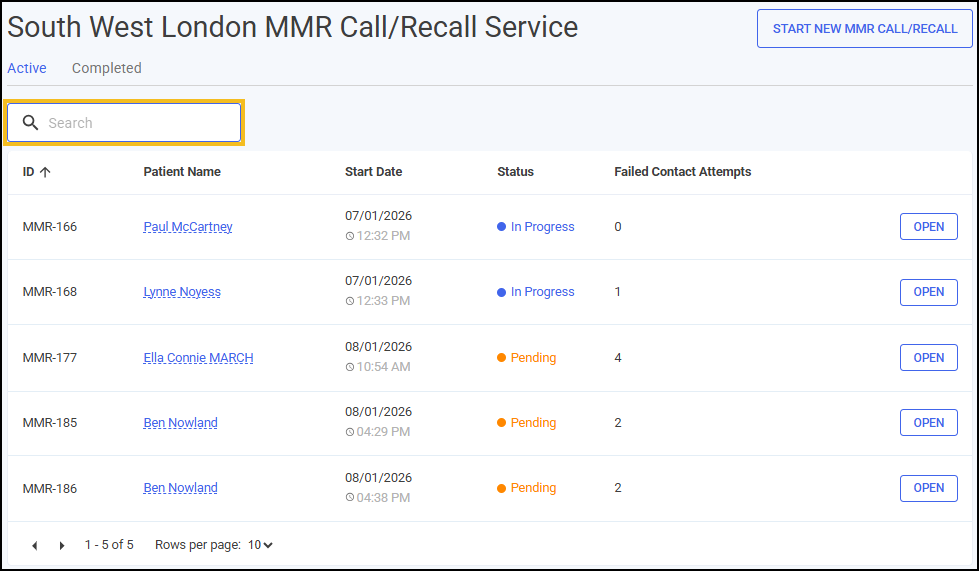
To search for Active or Completed South West London MMR Call/Recall Service episodes:
-
From the Side Navigation Bar, select MMR Call/Recall
 . The Active tab displays by default and lists any in progress or pending episodes.
 -
Select the tab you want to search on.
-
Enter the patient's name or the episode ID into Search, the episode list automatically updates as you start typing.
Sorting MMR Call/Recall Services
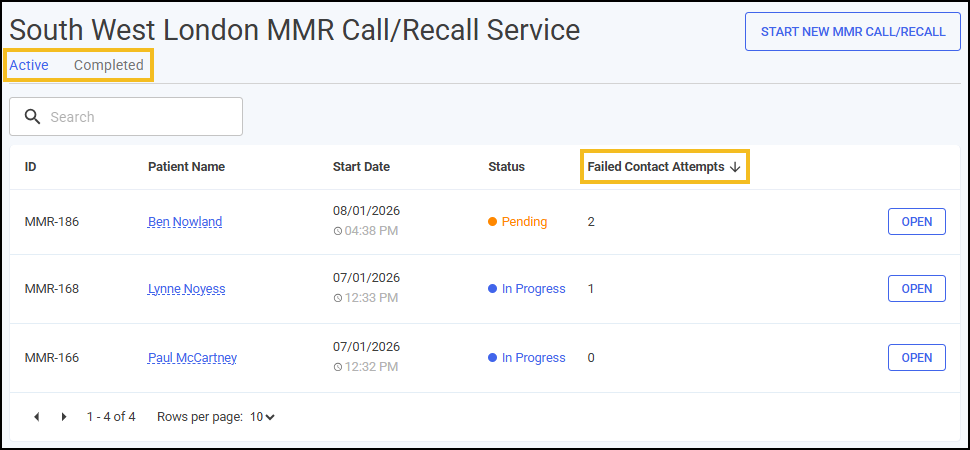
To sort Active or Completed South West London MMR Call/Recall Service episodes:
-
From the Side Navigation Bar, select MMR Call/Recall
. The Active tab displays by default and lists any episodes in progress. -
Select the tab you want to sort.
-
Select a column header to sort the data.
Filtering MMR Call/Recall Services
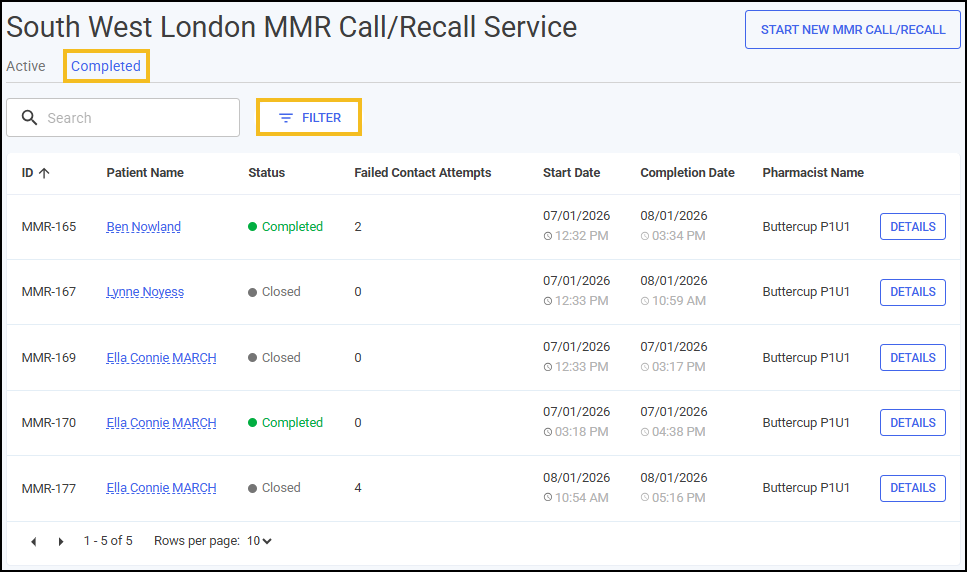
To filter Completed South West London MMR Call/Recall Service episodes:
-
From the Side Navigation Bar, select MMR Call/Recall
. The Active tab displays by default and lists any episodes in progress. -
Select the Completed tab.
-
Select FILTER
 and the Filters screen displays on the right hand side of the screen.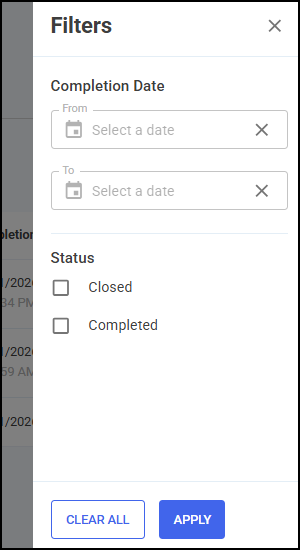
-
From here you can filter the data as follows:
-
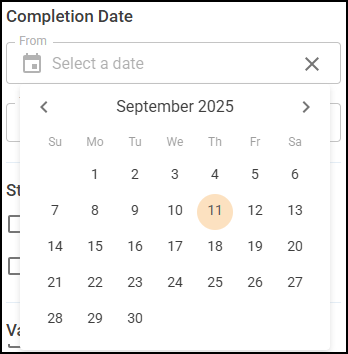
Completion Date - Select in either From or To to open a calendar and add a date range.
-
Status - Filter by episode status:
-
Closed
-
Completed
-
-
-
Select APPLY
 . The active filters display and the South West London MMR Call/Recall Service episode list updates.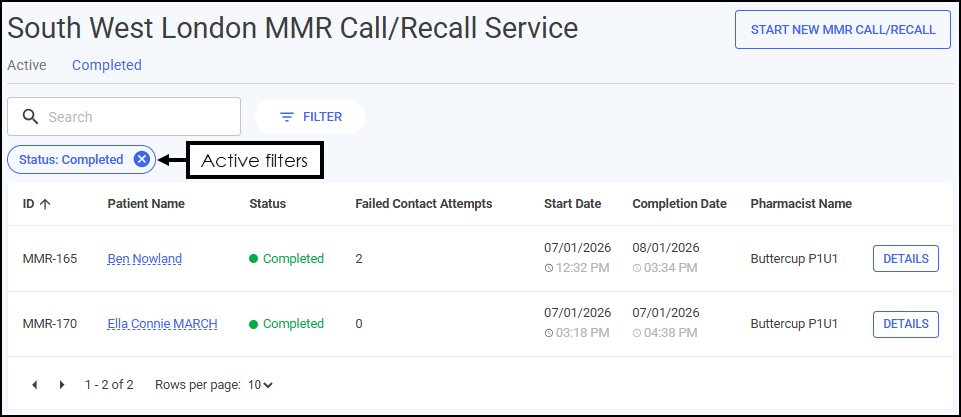
Select
 to clear the filters individually.Training Tip - Select CLEAR ALL
 on the Filters screen to clear all the selected filters.
 in the top right corner and follow the on-screen prompts.